29/06/2026
How TechCloud ERP Actually Helps You Scale Without the Chaos
View More

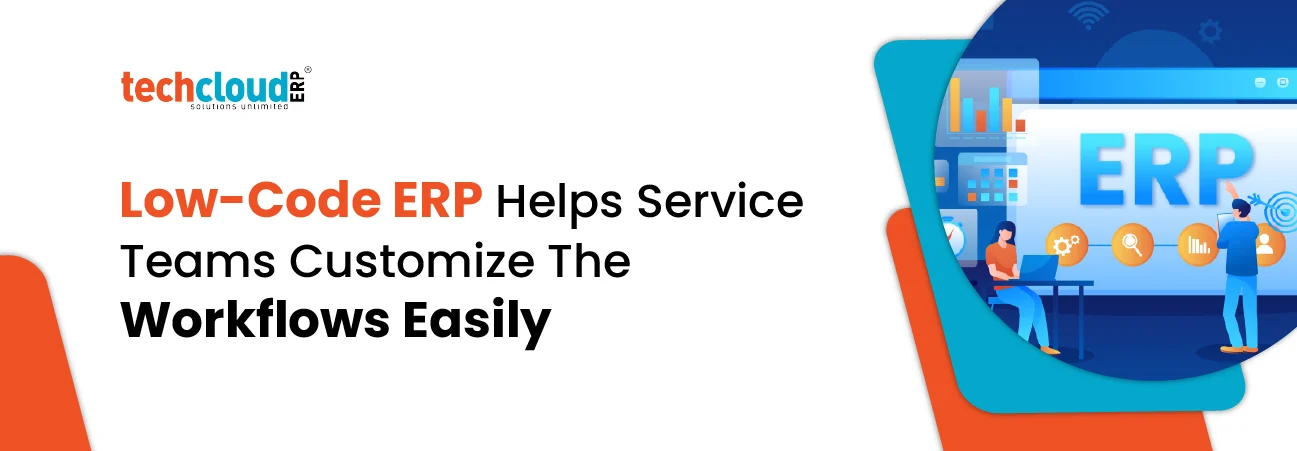
Have you ever felt like your business is moving fast, but your software is slowing you down? It is a common situation. For years, service firms had to depend on IT teams for even the smallest workflow changes and honestly, that often meant waiting weeks or even months.
But things are changing now. With the rise of customizable ERP software, teams can build and adjust workflows on their own—without writing a single line of code. It’s simple, flexible and takes control back where it belongs, with the team of people actually doing the work.
Think of in this way, a modern ERP software is no longer a rigid system you have to adjust to. It works with you. With an integrated ERP system, teams across HR, finance and sales can create processes that match their real work. The Best ERP software today feels more like a partner than a tool.
The biggest advantage of low-code ERP is simplicity—it gives your team independence. Instead of waiting for someone else to fix or build something, you can handle it yourself. With Custom ERP solutions for growing companies, even non-technical users can automate tasks like follow-ups, approvals or data entry.
And no, moving fast doesn’t mean creating chaos. The idea is to give teams flexibility while still keeping everything structured and secure. When used correctly, ERP software for business helps create a smoother, faster and more efficient work environment.
Here are some practical ways to get started:
Find one repetitive task that’s wasting your team’s time day to day.
Assign one person in each team to manage and improve workflows.
Use ERP integration with CRM to keep customer information updated everywhere.
Begin with simple changes like automated alerts or reminders.
Visualize your process before building it—it makes everything clearer.
Use Inventory management ERP tools to monitor resources and avoid delays.
Switching to low-code ERP feels like giving your business more control. You don’t have to wait for the “perfect system” anymore—you can shape it as your needs evolve. That’s why many companies are exploring the best erp software development in india—they want flexibility along with performance.
Once you start using it, you’ll notice how quickly things improve.
Here’s how teams are making the most of it:
Stop chasing approvals manually. Set triggers so managers get notified instantly when something needs attention.
Not everyone needs the same data. Let each team member see only what matters to them—it saves time and reduces confusion.
Your ERP should work with your other tools. Integrate email, CRM and accounting systems for a smooth workflow.
As your business grows, your processes will change. With low-code ERP, you can update workflows yourself instead of spending on external support.
Low-code ERP is not about removing IT—it’s about working smarter together. By reducing dependency on IT for small changes, businesses can move faster while IT teams focus on bigger innovations.
This shift is more than just a trend—it’s becoming the new normal. When your systems are flexible, your business becomes more responsive, more efficient and ready for growth.
Yes. If you’re comfortable using basic apps or tools, you can easily work with most low-code ERP platforms. They are designed to be user-friendly.
Not at all—if managed properly. Most systems allow IT teams to set permissions, so users can only make changes within safe limits.
In most cases, you’ll notice improvements within a few weeks—especially when you automate repetitive tasks or simplify workflows.